Curious who's behind this story? Look up any Instagram profile.
Try:
← Back to blog
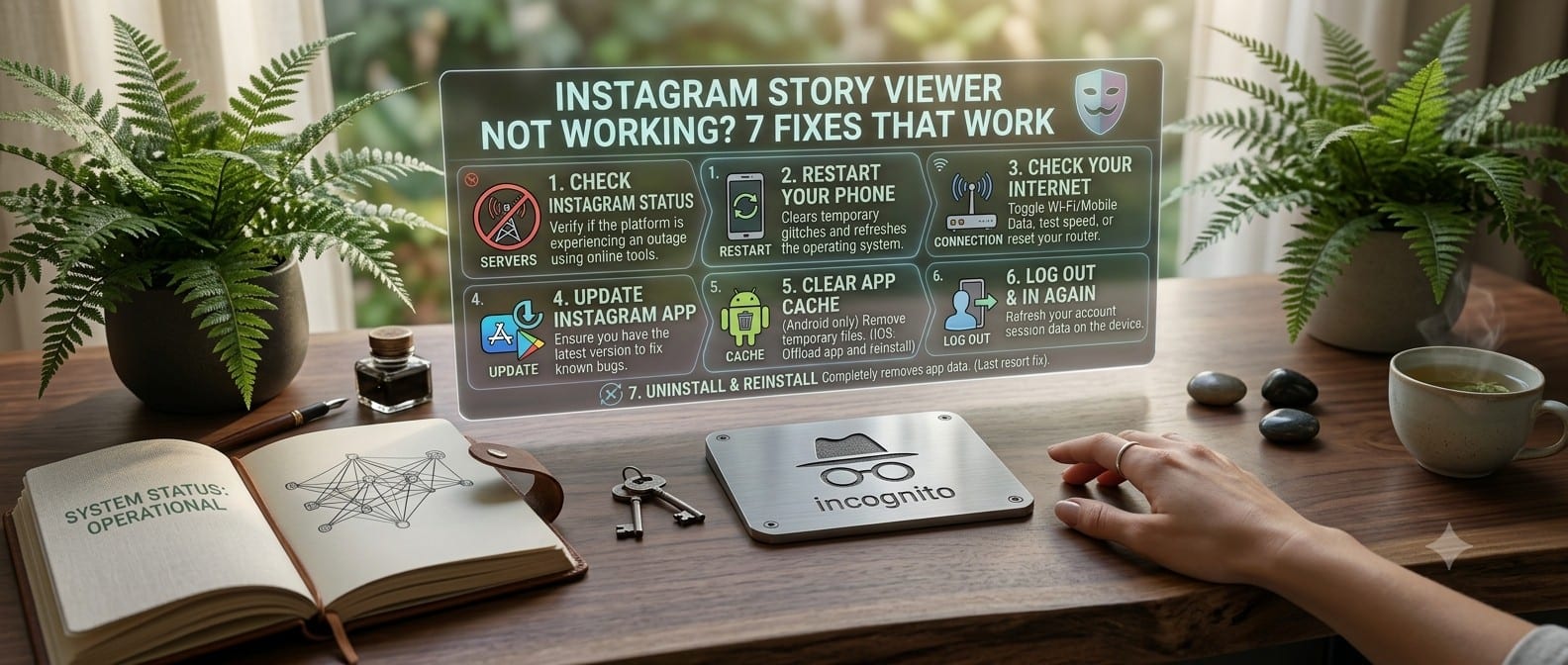
Instagram Story Viewer Not Working? 7 Fixes That Work
An anonymous Instagram story viewer failing usually isn't random. It's almost always one of a handful of specific causes, and most are fixable in under a minute. Here's the actual troubleshooting order, from most to least common.
1. You typed the display name instead of the username
The #1 cause of "profile not found." Instagram search bars and Google both
surface the display name ("Sarah's Travel Blog"), but story viewers need
the @handle (travel.with.me). Open the profile in Instagram itself and
copy the handle from the URL: instagram.com/travel.with.me → the
username is travel.with.me.
2. The account is actually private
Anonymous viewers, InstaNinja included, only work on public profiles. That's a structural limit of anonymous viewing, not a bug (see "is it safe to use anonymous Instagram viewers" for why that's a deliberate line and not something worth trying to route around). If the profile shows a lock icon in the actual Instagram app, no viewer will show its stories.
3. The story already expired
Stories live for 24 hours from posting, not 24 hours from when you first checked. If you saw it yesterday and it's gone today, it expired on Instagram's end. The viewer isn't malfunctioning, there's just nothing left to fetch. Same applies if the poster deleted it manually.
4. Instagram changed something on their end
Instagram doesn't publish a stable public API for this: every anonymous viewer works by replicating how the official app fetches data, and Instagram tweaks that layer periodically (sometimes deliberately, to make scraping harder). When that happens, viewers that fetch data live typically break for every profile at once, not just yours, and a well-maintained one is usually fixed within a day or two. If a viewer stays broken for weeks, that's a signal it's abandoned. Switch tools rather than retrying the same broken one.
5. You're on a flaky connection or an in-app browser
Landing on a story viewer through Instagram's own in-app browser, or another app's embedded browser, can cause stuck loading states: some of those WebViews restrict storage or block requests in ways a normal mobile browser doesn't. If a story viewer hangs on "loading" specifically inside an app's built-in browser, try opening the same link in Safari/Chrome directly.
6. You've searched too many profiles too fast
Anonymous viewers proxy requests to avoid overloading Instagram's infrastructure, and most apply some rate limiting to stay reliable for everyone. If you've searched a dozen usernames in the last minute and suddenly everything fails, wait 60 seconds and try again. This is a temporary throttle, not an error with your search.
7. Ad blockers or privacy extensions are interfering
Aggressive ad blockers and privacy extensions sometimes block the requests a story viewer needs to fetch media (especially anything that pattern- matches Instagram's CDN domains as tracking-related). If nothing else on this list explains the failure, try the same search in a private/incognito window with extensions disabled.
When it's genuinely not you
If you've checked the username, confirmed the account is public via the real Instagram app, and confirmed it's a fresh story (not expired), and it still fails on multiple viewers, not just one, the account itself may be temporarily rate-limited or flagged on Instagram's side, which affects what any external tool can fetch, not just anonymous ones. In that case, waiting it out is the only real fix.
Still stuck? Try the Instagram Story Viewer: it's actively maintained against Instagram's changes, so if a search fails there it's almost certainly one of the seven reasons above, not an abandoned tool. Something feels off beyond a failed search? Report it.